Low network fees
~$0.01
typical send
Robinhood Chain is built for efficient transfers: most sends cost a fraction of a dollar.

Self-custody wallet · Robinhood Chain
Robeon is a self-custody wallet. Hold crypto and tokenized stocks, connect to apps, and review every transaction before you sign. Robinhood Chain first, expanding to more networks soon.
Network fees
Robinhood Chain keeps gas low. Robeon shows the exact fee before you sign: so you always know what you pay.
~$0.01
typical send
Robinhood Chain is built for efficient transfers: most sends cost a fraction of a dollar.
100%
visible before sign
Every send and swap displays the network fee before you approve. No surprises after signing.
$0
Robeon surcharge
Robeon does not add its own fee on top of network costs. You pay the chain, not us.
Fee preview
Send 0.5 ETH
Example fee at normal gas speed. Actual cost depends on network conditions.
Get started
Pick Chrome or Android today. Web dashboard under development: same custody model on every surface.
 Soon
Soon Soon
Soon SoonSoon
The product
The actions you use most: hold, send, swap, connect: live in one wallet. Custody never leaves your device.
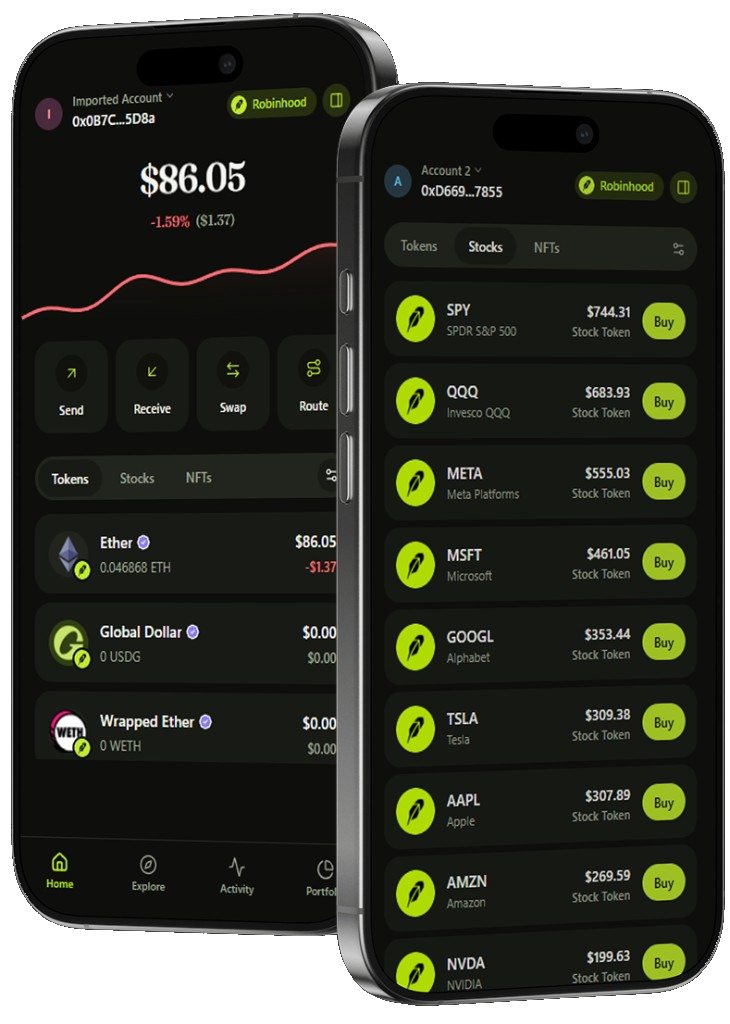
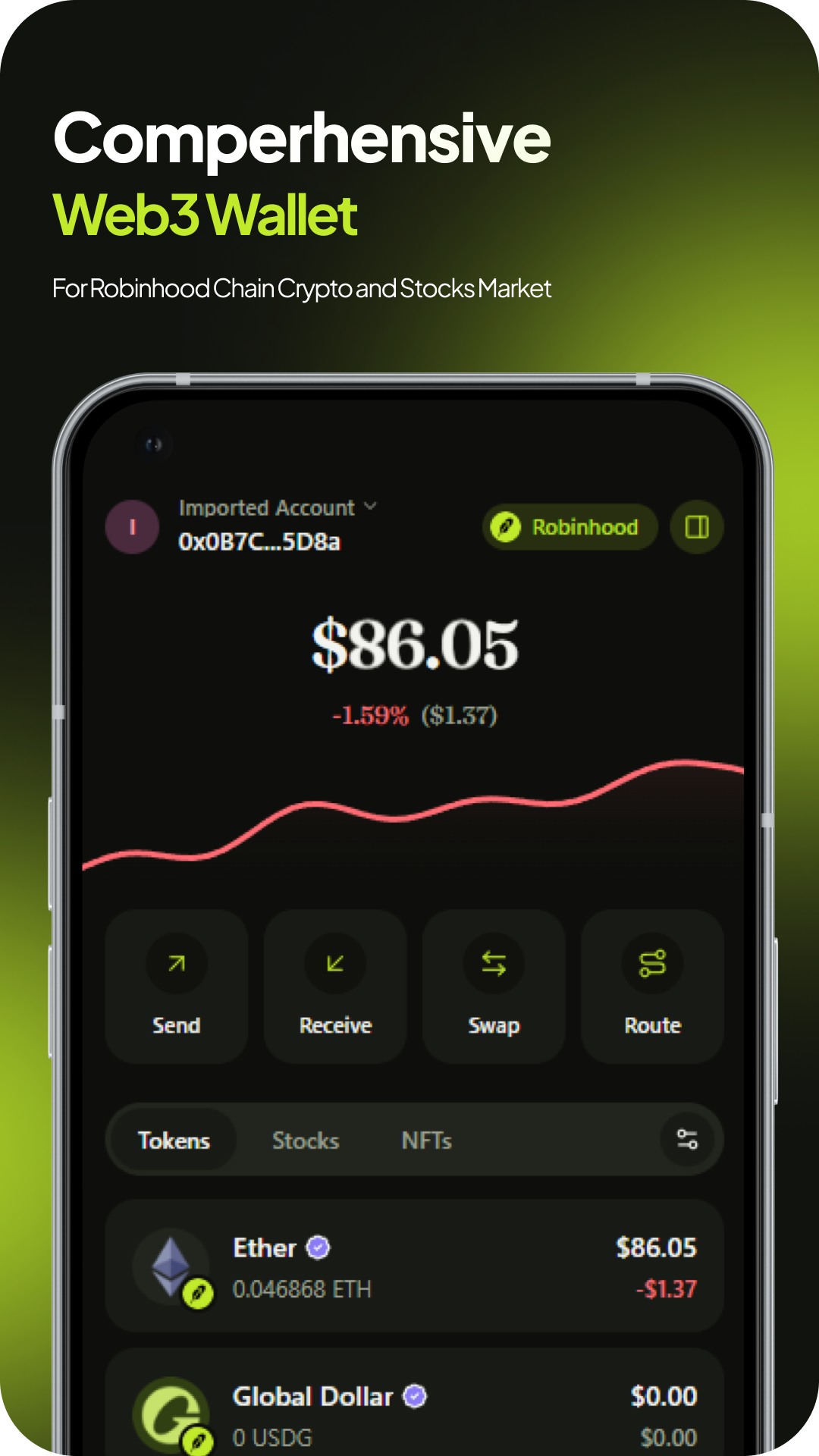
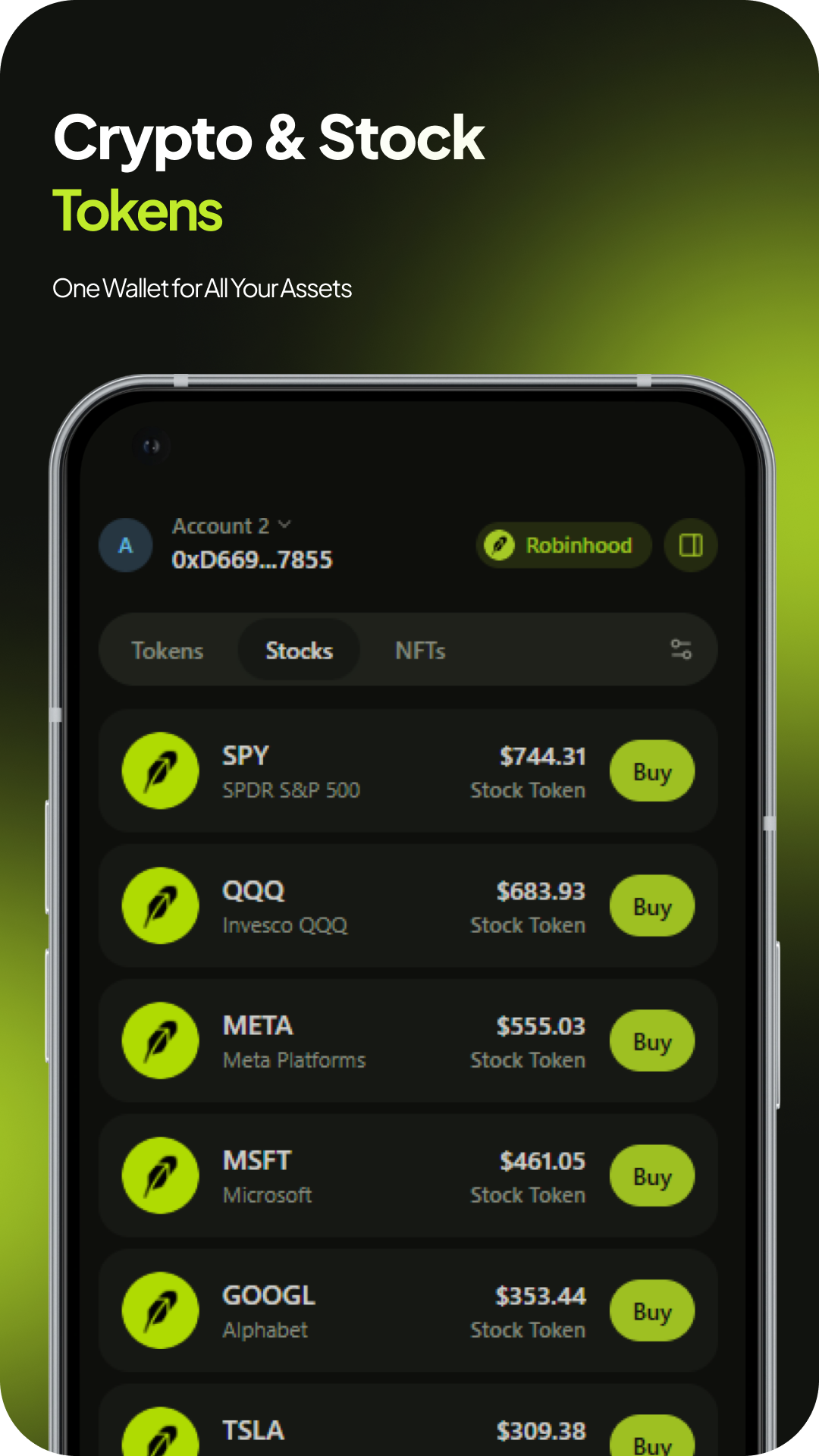
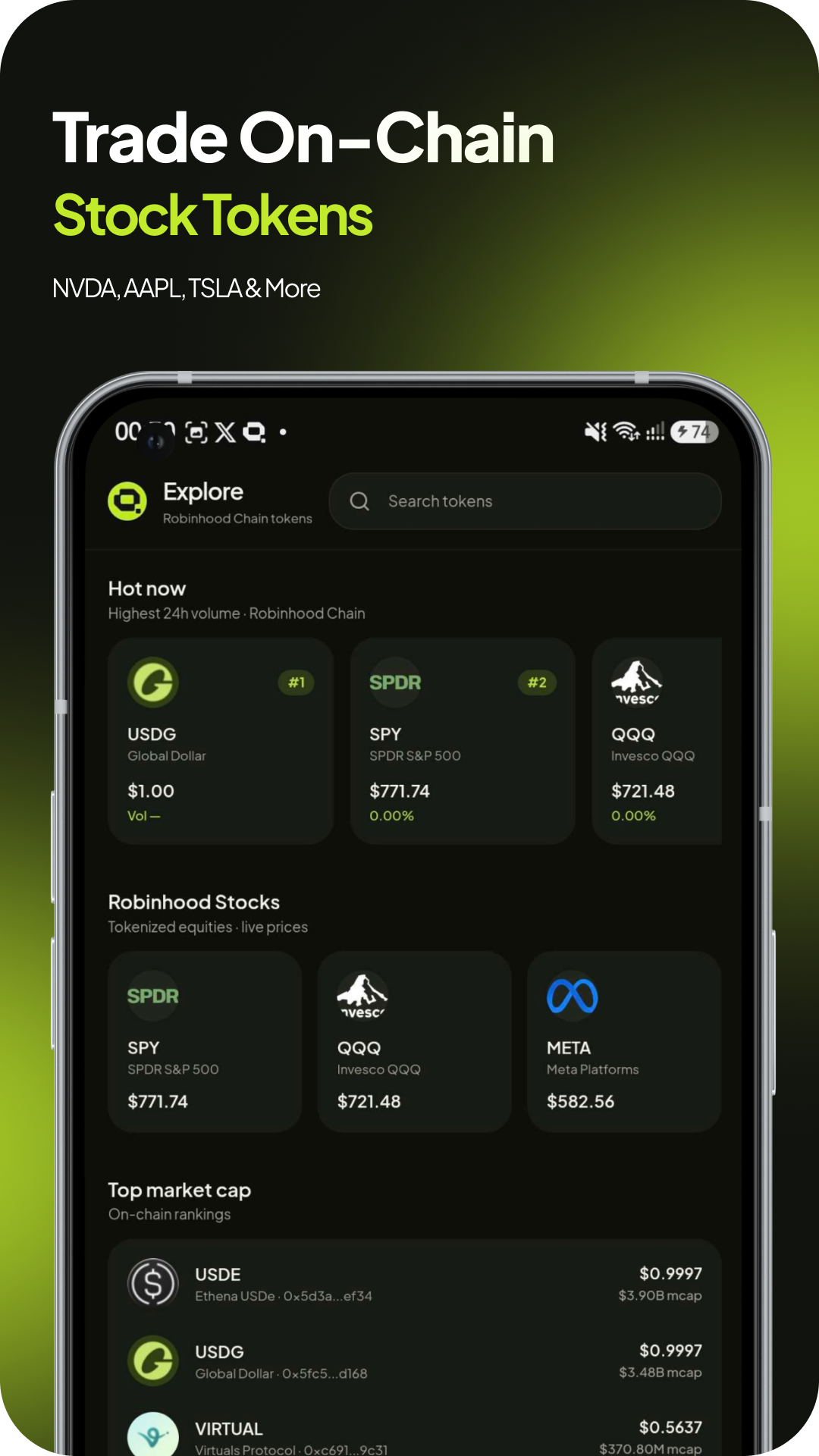
Crypto and tokenized stocks sit in a single portfolio: balances, prices, and context without switching apps.
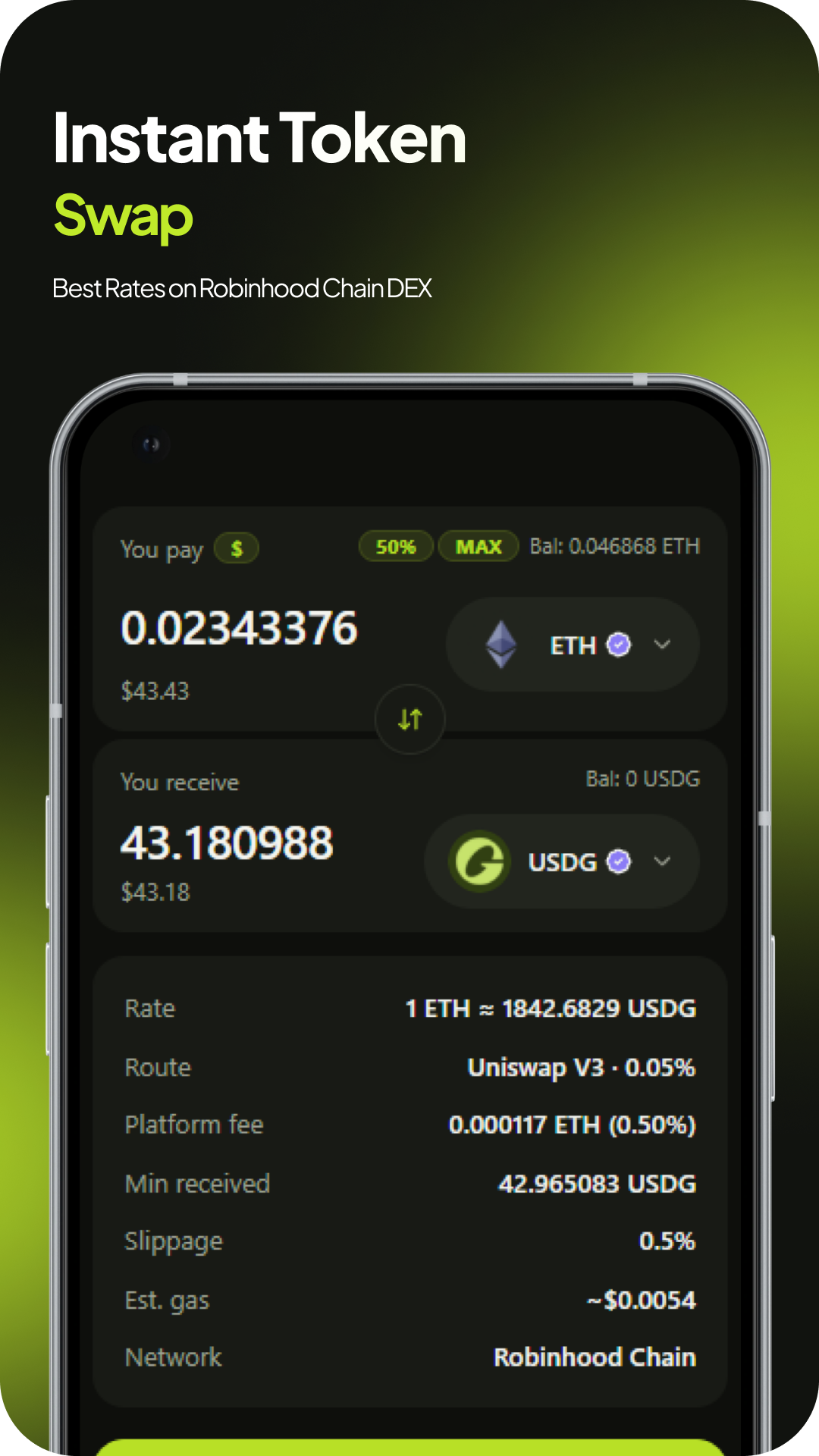
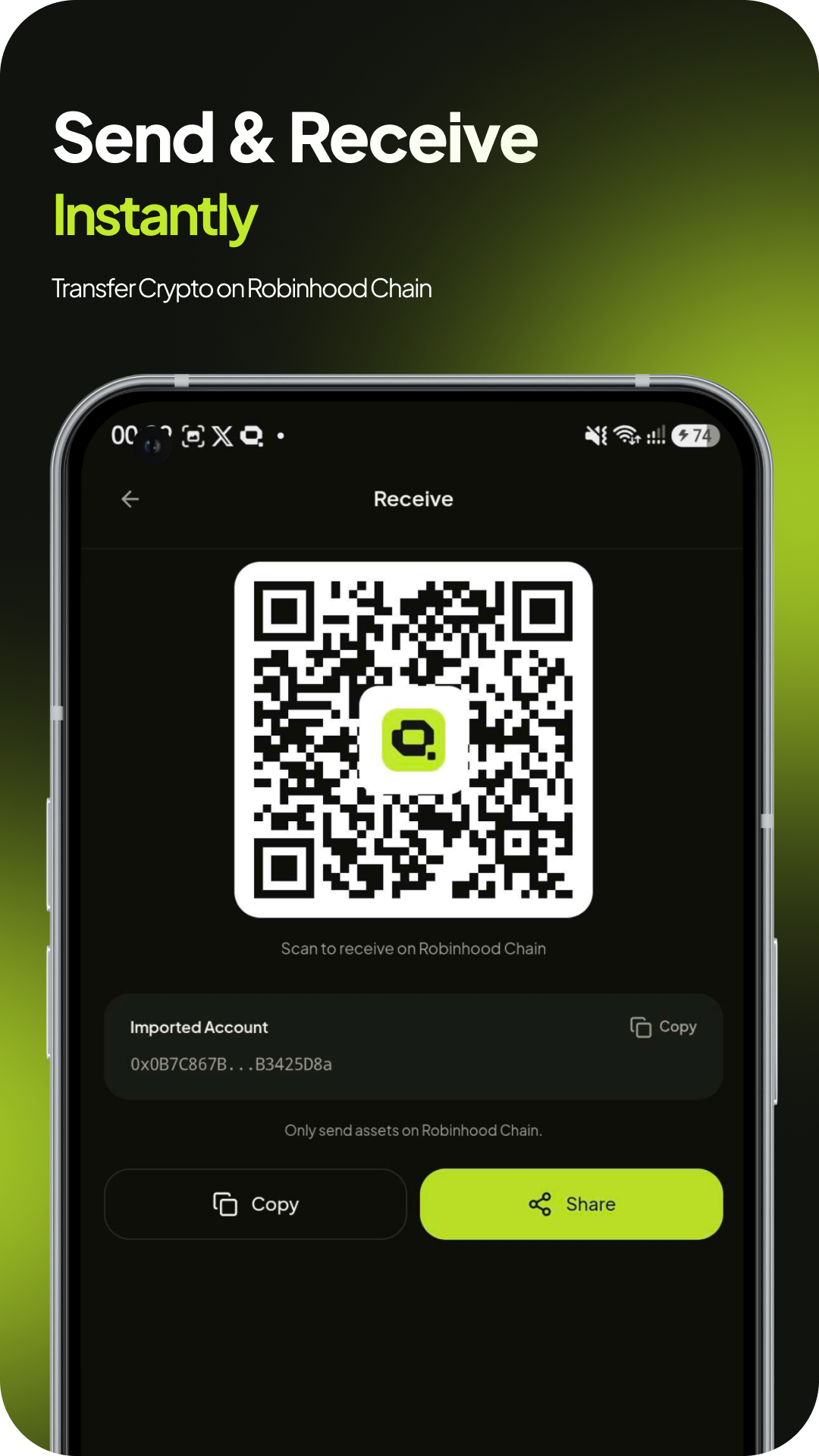
Send, receive, swap, and bridge with quoted routes and full transaction details before you sign.
Robeon prepares actions on your behalf. Your device stores the keys and authorizes every one.
Activity
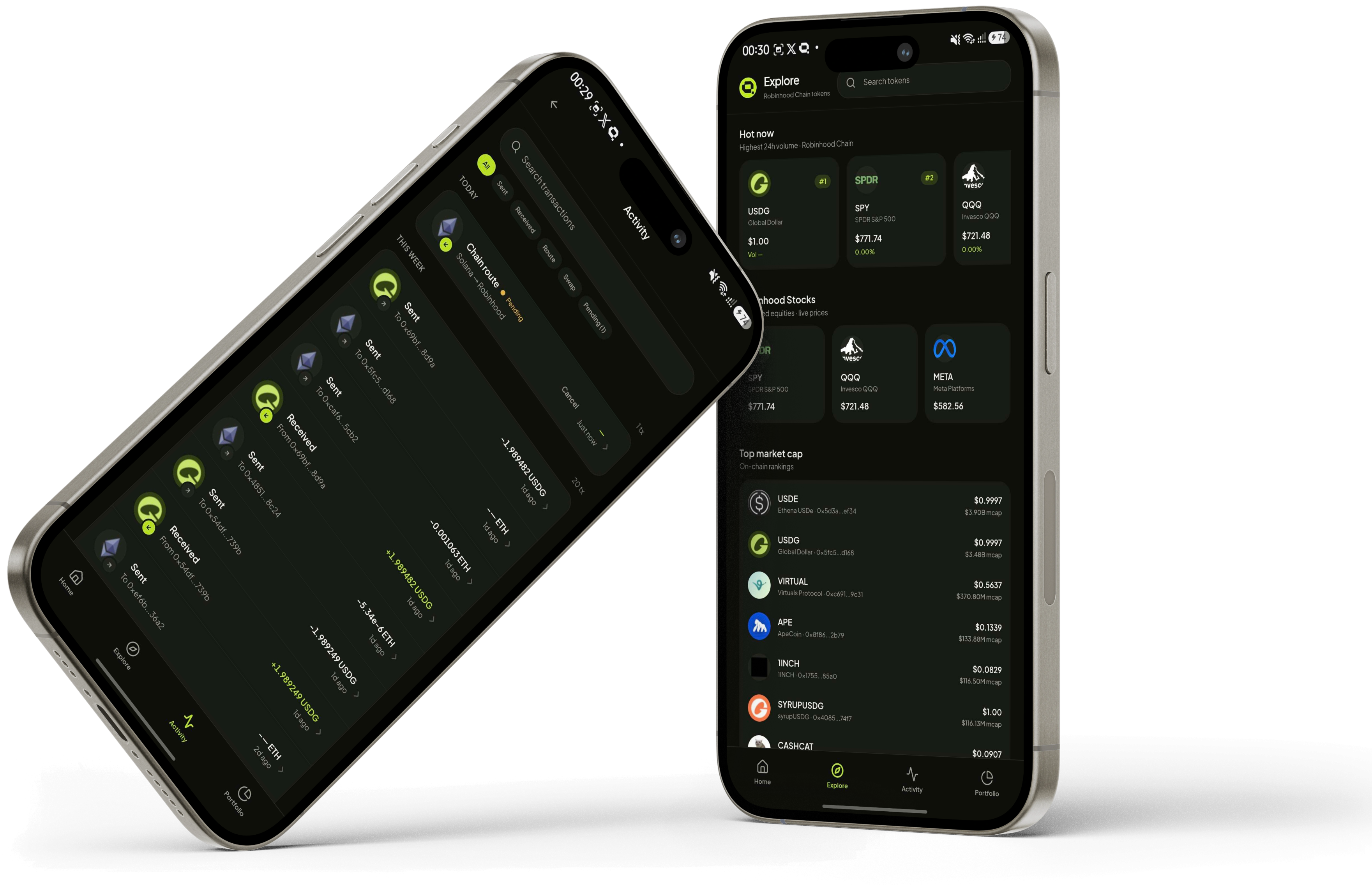
Search, filter, and follow transaction history in one feed: no block explorer required.
Find any transfer, swap, or route from one searchable feed.
Switch between Sent, Received, Swap, and Pending without losing context.
Scan activity grouped by today, this week, and earlier.
Pending routes and completed transfers show clear in/out labels at a glance.
Capabilities
Each action shares the same portfolio context and the same approval step: nothing happens without you.
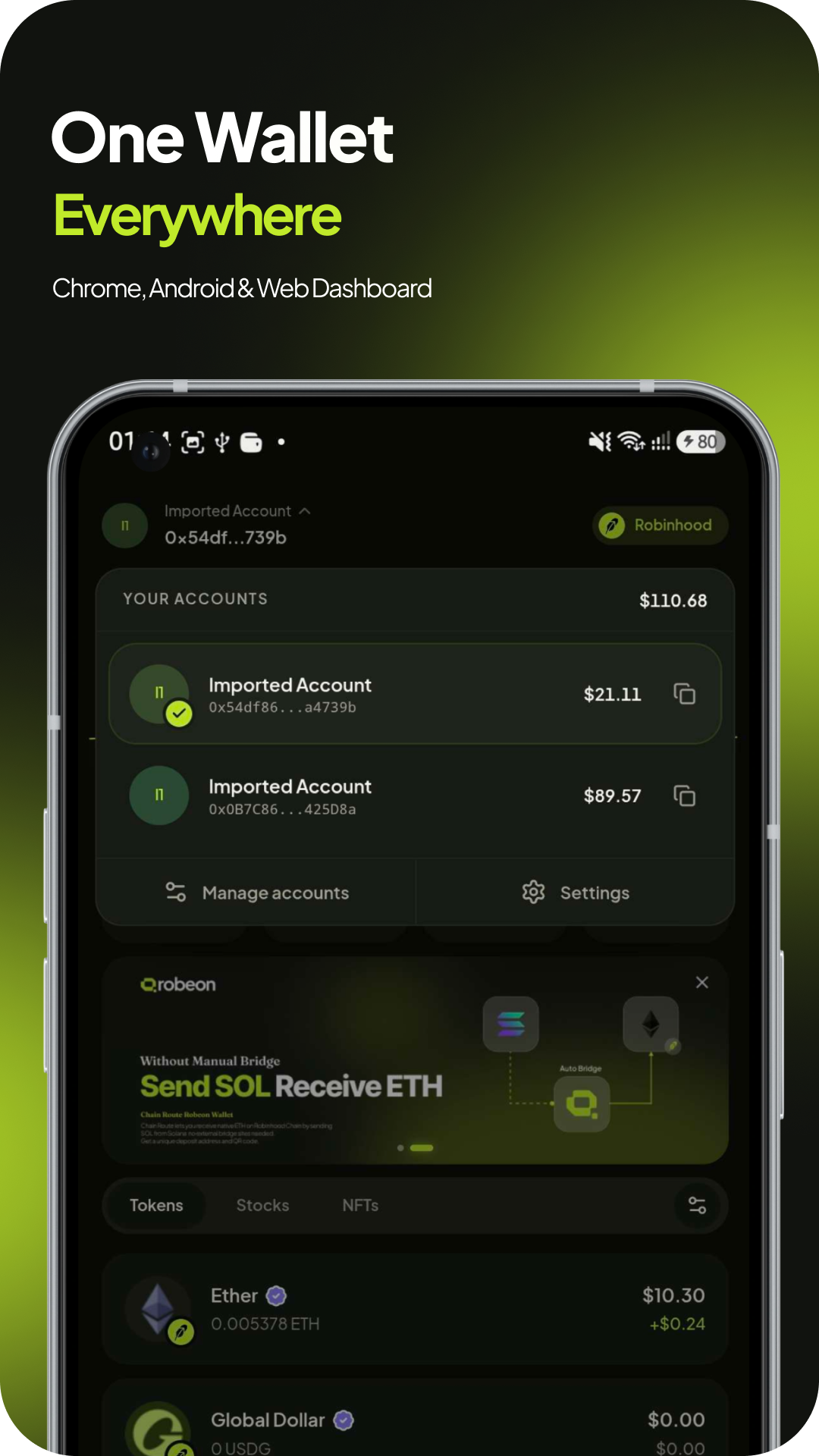
See total value, individual balances, and recent movement before deciding what to do next.
Manage Robinhood Chain assets in one place instead of juggling separate apps and tabs.
Compare pairs, review quoted amounts and routes, and approve only when the terms look right.
Move supported assets with clear confirmation of address, network, token, and amount.
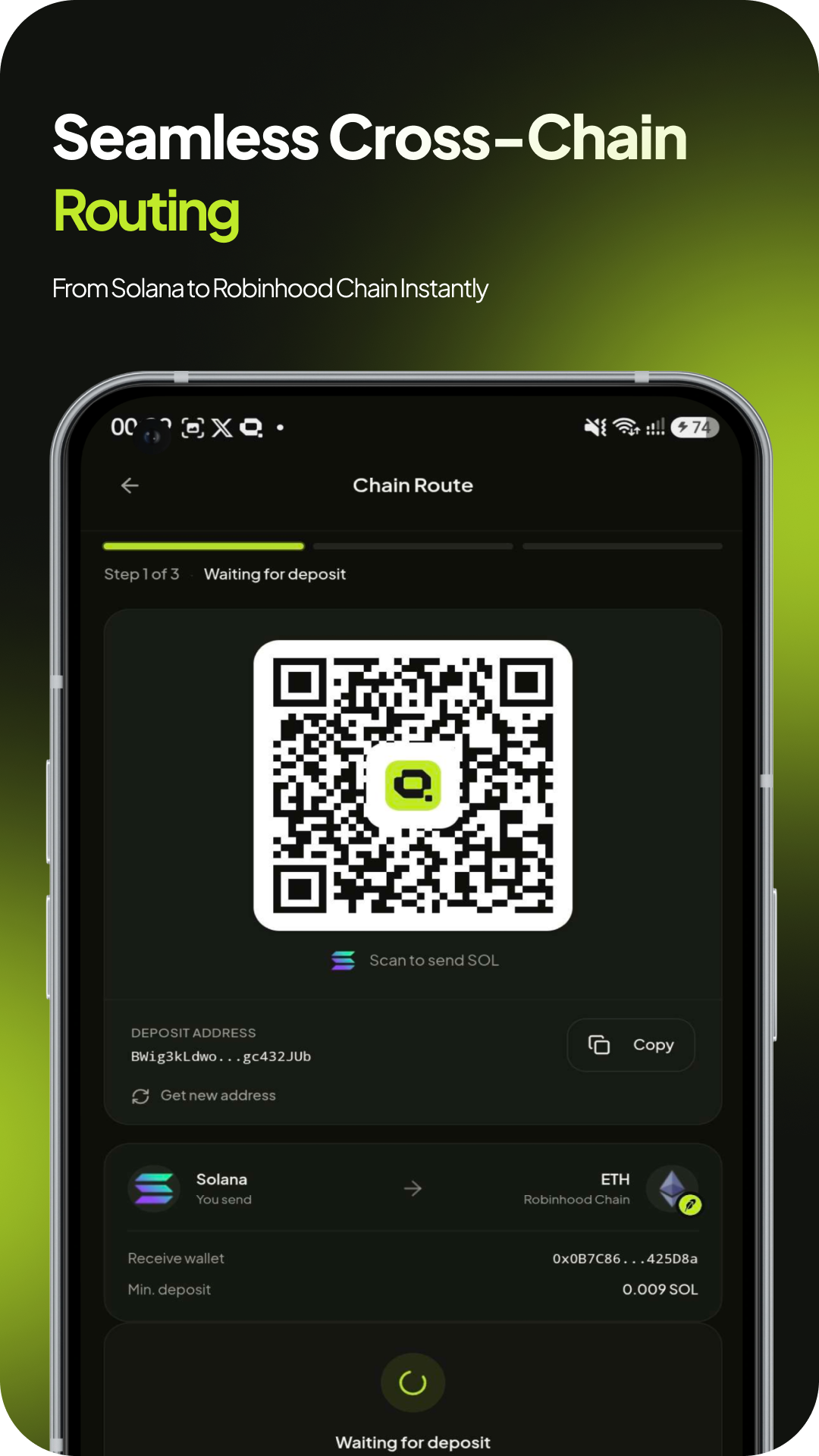
Follow a supported route from quote and deposit through to delivery on the destination chain.
Grant account access and approve signature requests through standard wallet interfaces.
How signing works
Whether the request starts in Robeon or from a connected app, the review flow stays the same.
An action starts in Robeon or comes from a connected app.
Network, account, destination, value, and request data: all visible before you decide.
Nothing is signed until you confirm with the key on your device.
Submitted activity appears in your feed so you can verify the result.
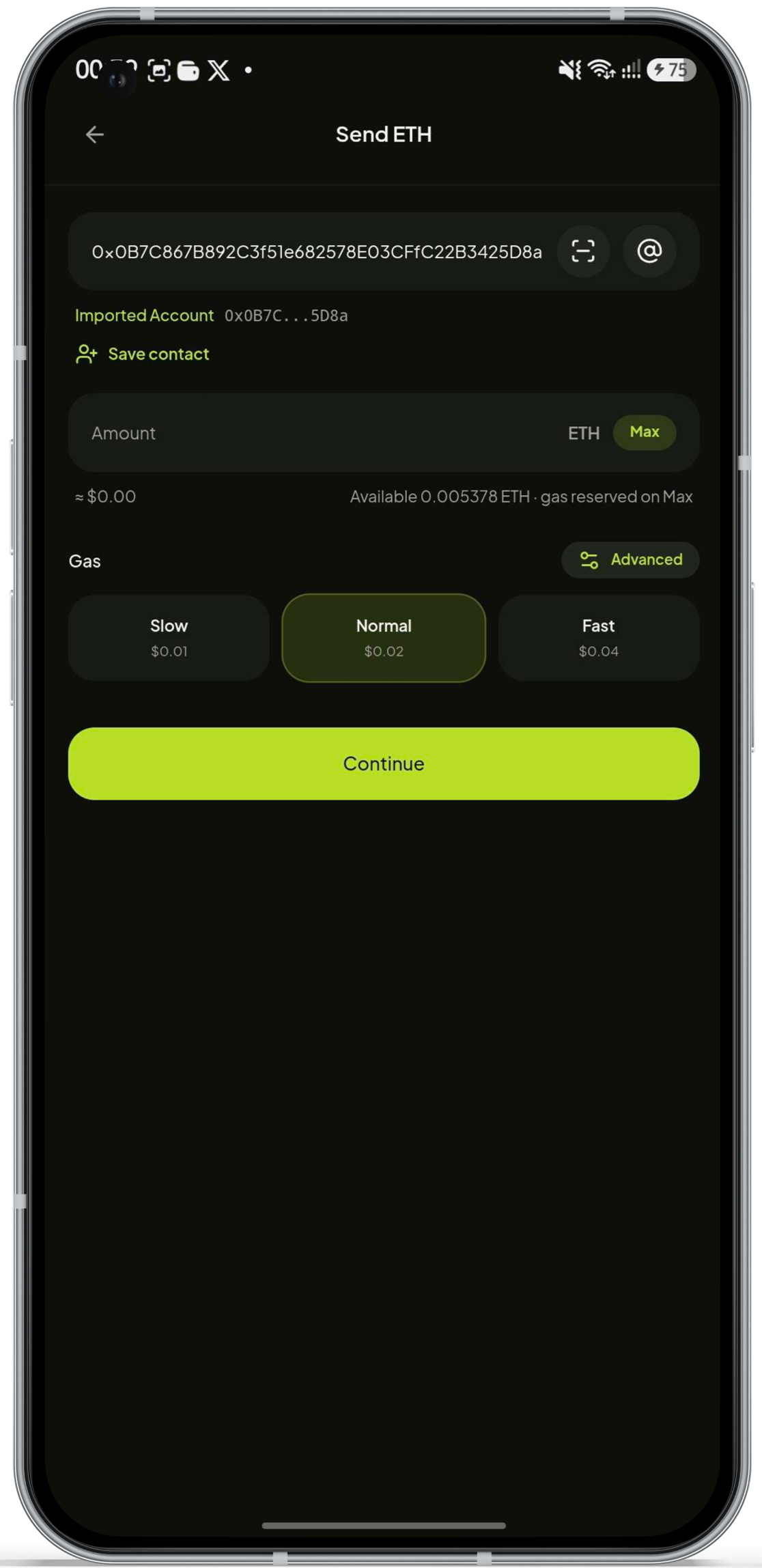
Review transaction
Send ETH
Example review screen. Fields vary by action type.
Every surface
Chrome, Android, or web: one custody model follows you everywhere.
While you browse
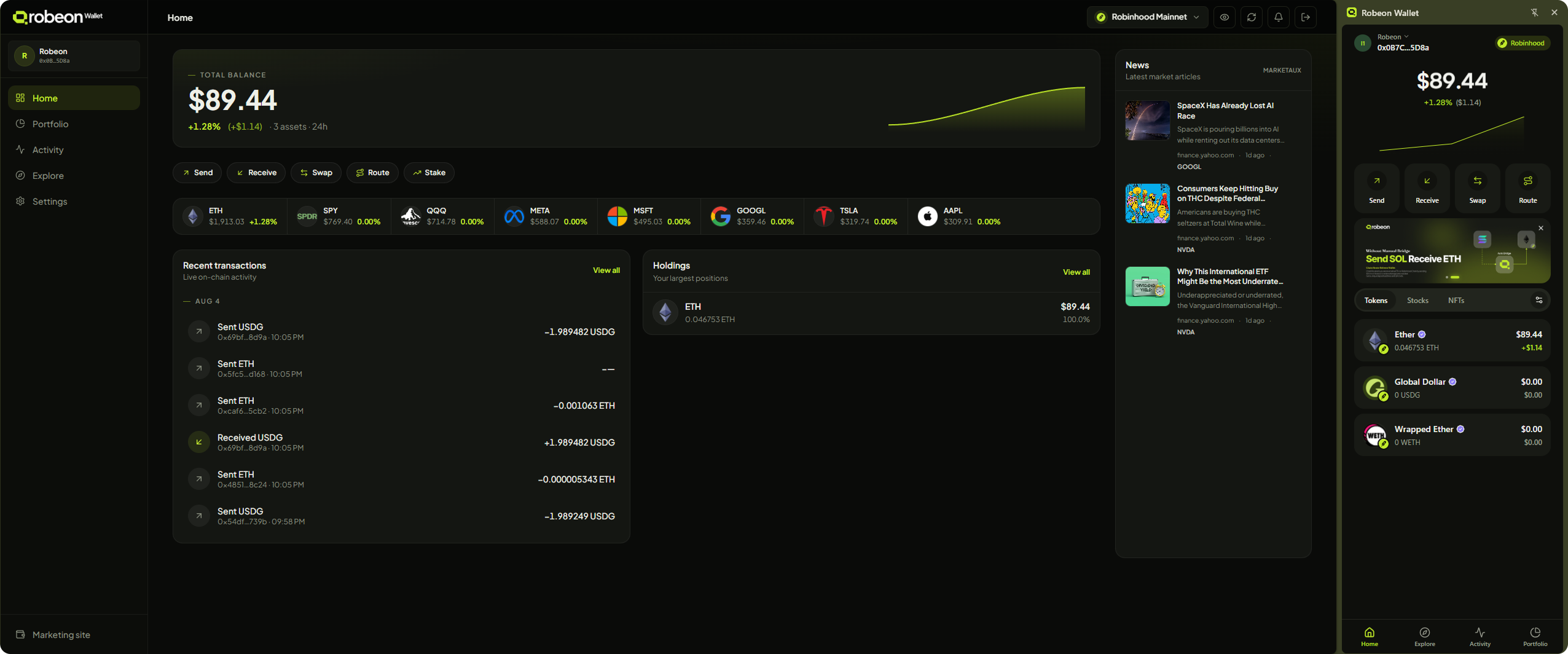
Approve dApp requests, check balances, and sign transactions from a side panel: without leaving the page.
On the go
Portfolio, tokenized stocks, transfers, and swaps in a wallet built for your phone.
Under development
Review holdings, activity, and routes on a wider screen: connected to the same wallet. Coming soon.
Product gallery
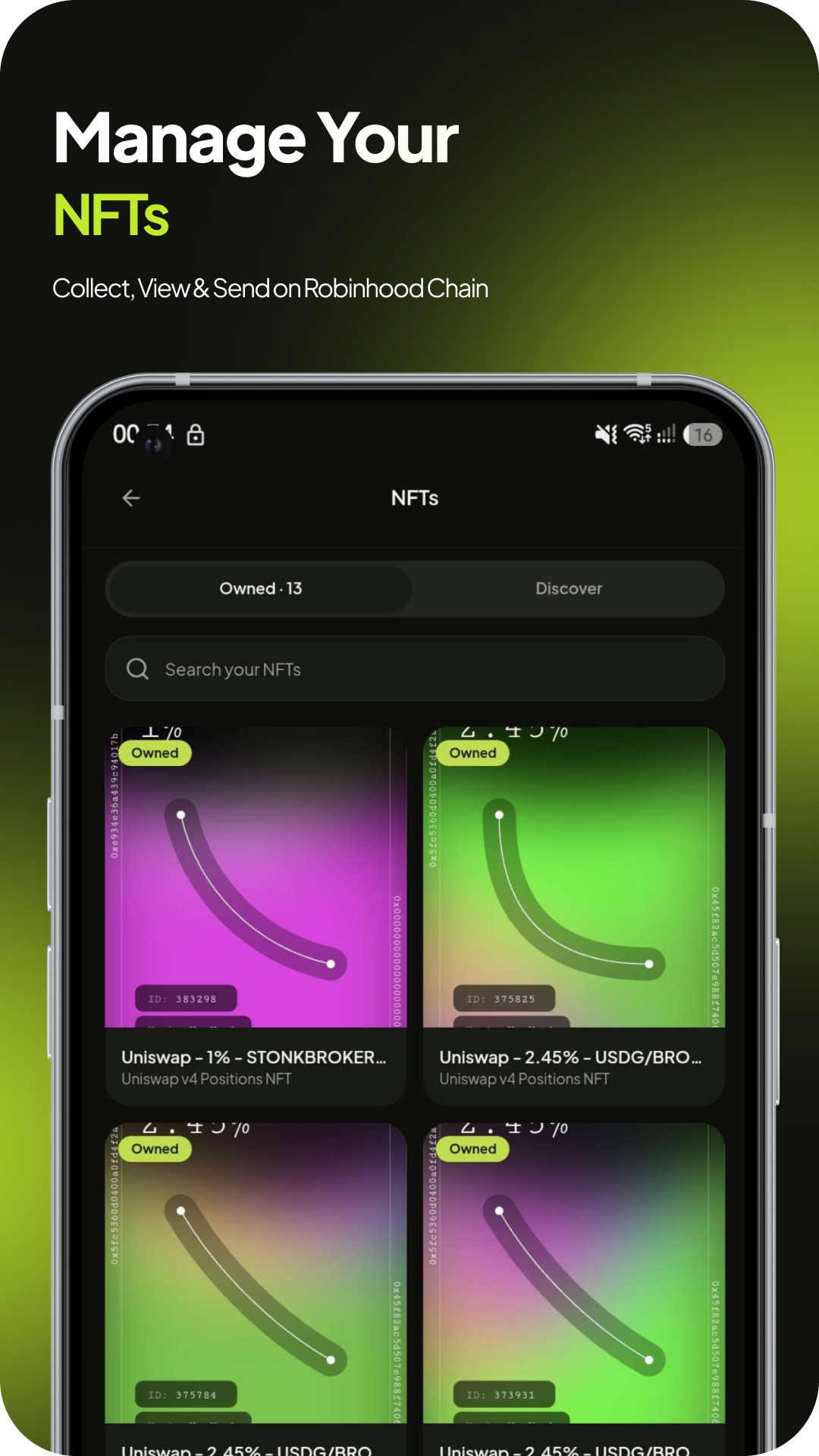
Wallet surfaces designed for clarity: portfolio, activity, swaps, and more.
Hover to pause
Security
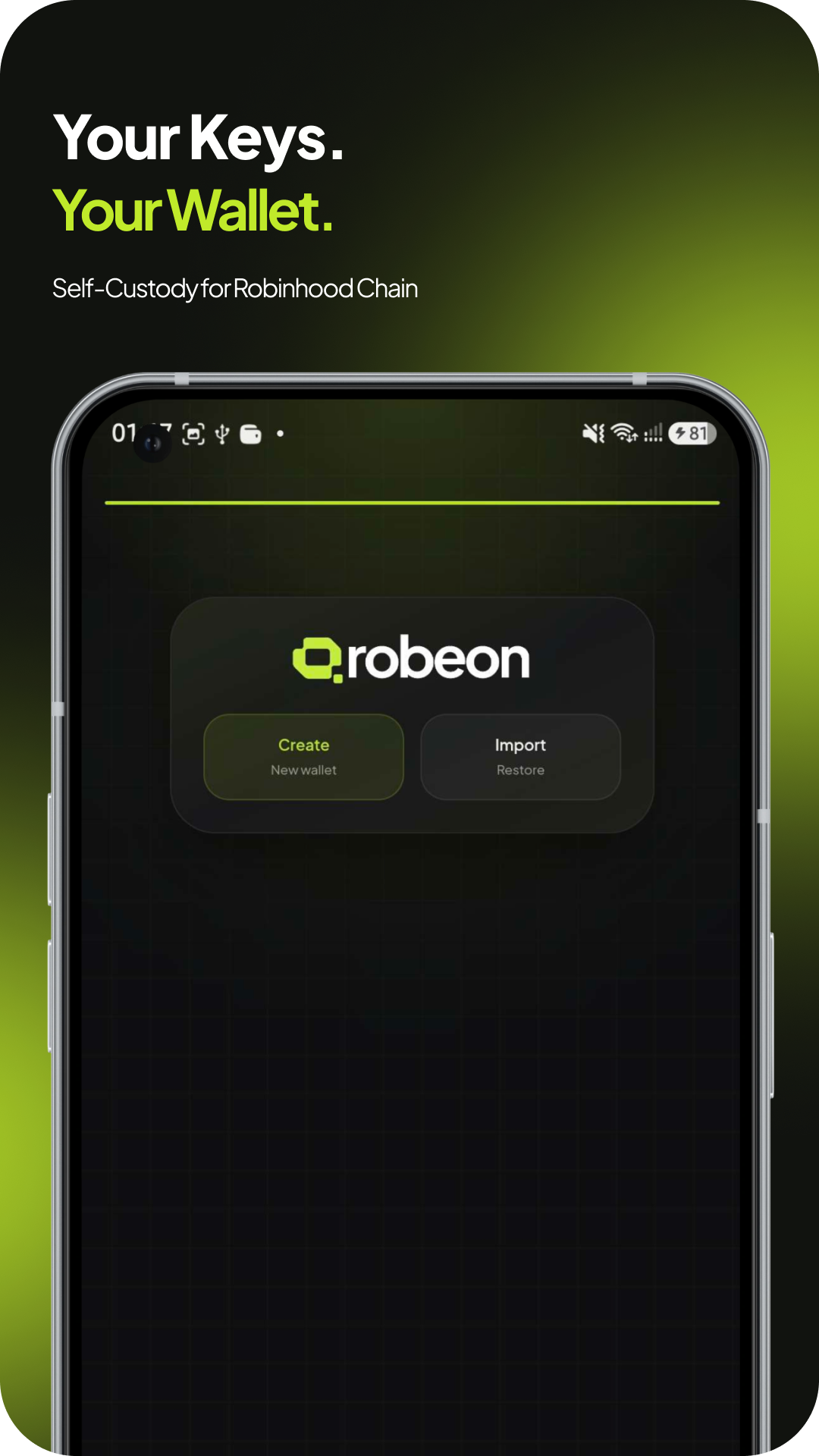
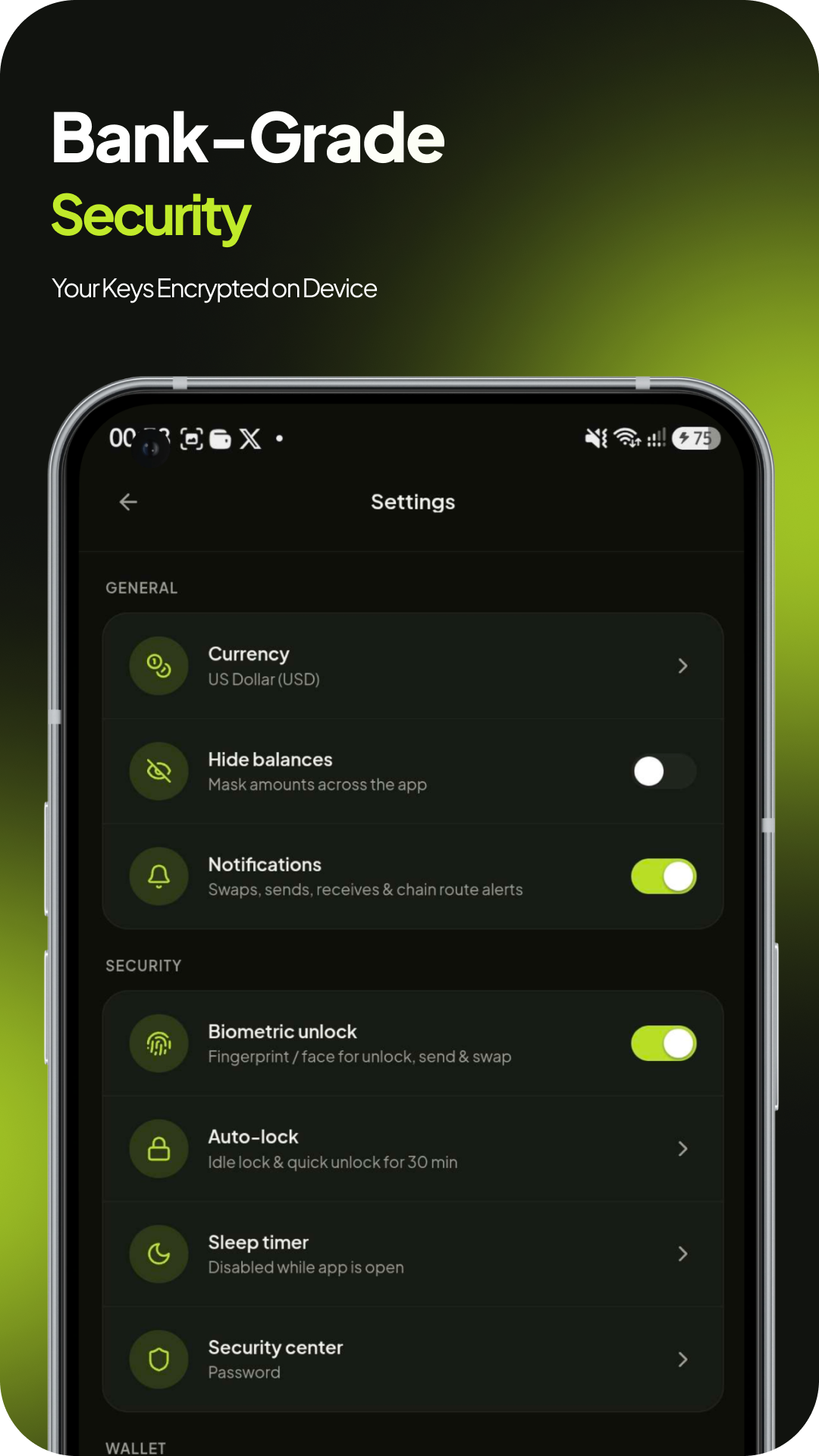
Robeon is built for self-custody. It shows balances, prepares transactions, and connects apps: but your keys never leave your device.
Read our security modelUsers and builders
People manage assets with confidence. Builders connect through standards users already trust.
Know what you own, move assets with clear review steps, and keep custody on the device you control.
Install NowConnect via EIP-1193 and EIP-6963. Wallet approvals surface directly to the user : no hidden permissions.
Open developer docsFAQ
Custody, availability, and how Robeon fits into Robinhood Chain: explained clearly.
Install NowBuilt for Robinhood Chain. Self-custody for crypto and tokenized stocks — extension, Android, and web.
You do. Your recovery phrase and private keys stay encrypted on your device. Nothing moves without your explicit approval.
Chrome extension and Android app are available today. A web dashboard is under development: same wallet, same custody model when it ships.
Yes. Robeon supports EIP-1193 and EIP-6963, so compatible apps can request connections and signatures. You see every request before anything is signed.
Network fees on Robinhood Chain are typically low: often around a cent for a standard send. Robeon shows the exact fee before you approve. We do not add a separate wallet charge.